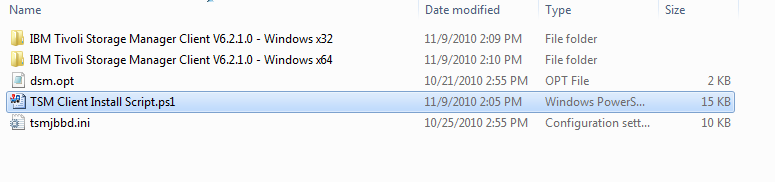
Recently while automating a Tivoli Storage install with a Powershell script I noticed trouble passing arguments to the normal
Start-Process cmdlet. In this case I was calling msiexec.exe and then passing it arguments to it to the installer, it was an issue due to the fact that most of the arguments had quotes and spaces.
Later in on the same project I was working with a command line and wanted the command output . I noticed that
Start-Process didn’t allow me to have the output lines in a string array. The result was that both problems could be solved by writing a function that wrapped
Start-Process and allowed a solution to both problems.
function StartProcess ($FileToExecute,$Arguments,$ClientDir , $printCommandtoConsole) {
 $Tempfile = "$Env:TEMP\tempfile.txt"
 New-Item $Tempfile  -ItemType file  -Force

 Start-Process $FileToExecute -ArgumentList $Arguments -Wait -WorkingDirectory $ClientDir -RedirectStandardOutput $Tempfile

 if($printCommandtoConsole){
  Write-Host "$ClientDir\$FileToExecute" $Arguments
 }

 Get-Content $Tempfile
 Remove-Item $Tempfile -Force
}
Here's an example of showing the creation of the arguments and then calling the StartProcess function.
function InstallTSMScheduler {
 $Arguments = @()
 $Arguments += "install"
 $Arguments += "scheduler"
 $Arguments += "/name:`"TSM Scheduler`""
 $Arguments += "/node:" + [Environment]::MachineName
 $Arguments += "/password:`"$NodePassword`""
 $Arguments += "/clientdir:`"$ClientDir`""
 $Arguments += "/optfile:`"$ClientDir\$OptFile`""
 $Arguments += "/autostart:no"
 $Arguments += "/startnow:no"

 StartProcess "$ClientDir\dsmcutil.exe" $Arguments $ClientDir $printCommands
}

$CommandLog = InstallTSMScheduler
$CommandLog
}
I'll Post the rest of the Tivoli Client Install Script at a later date if some one wants it.
Seems i wasn't the only one with the problem (
link here)